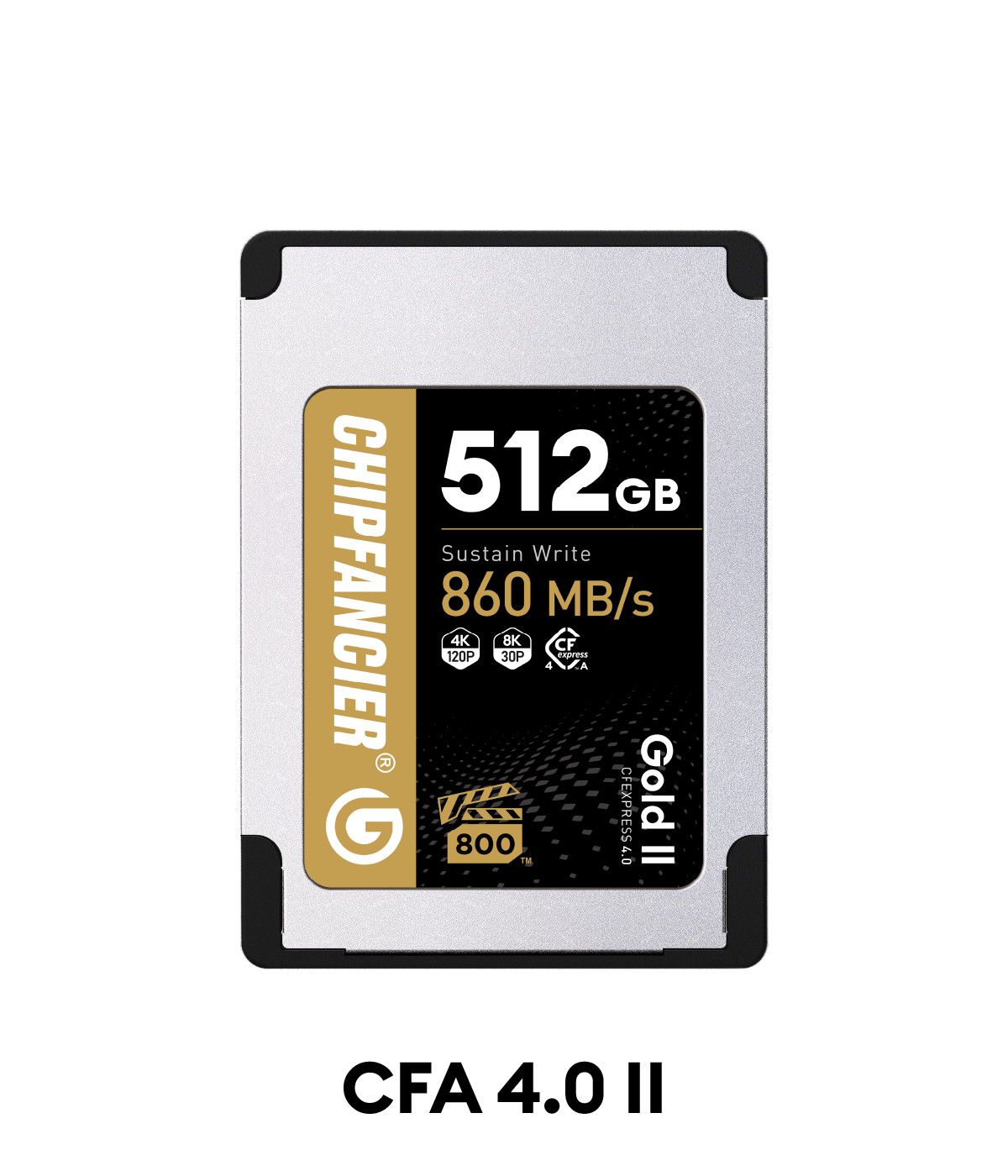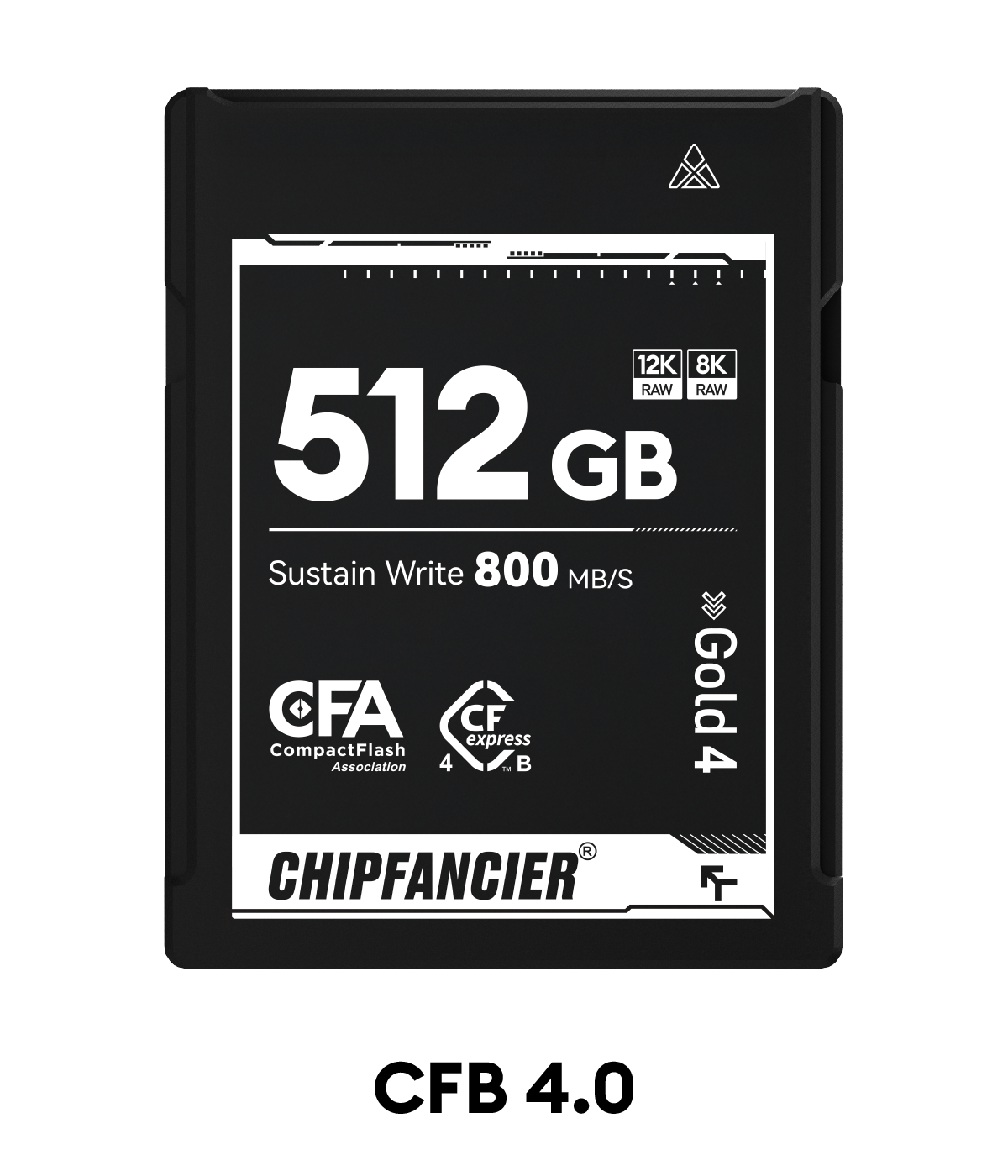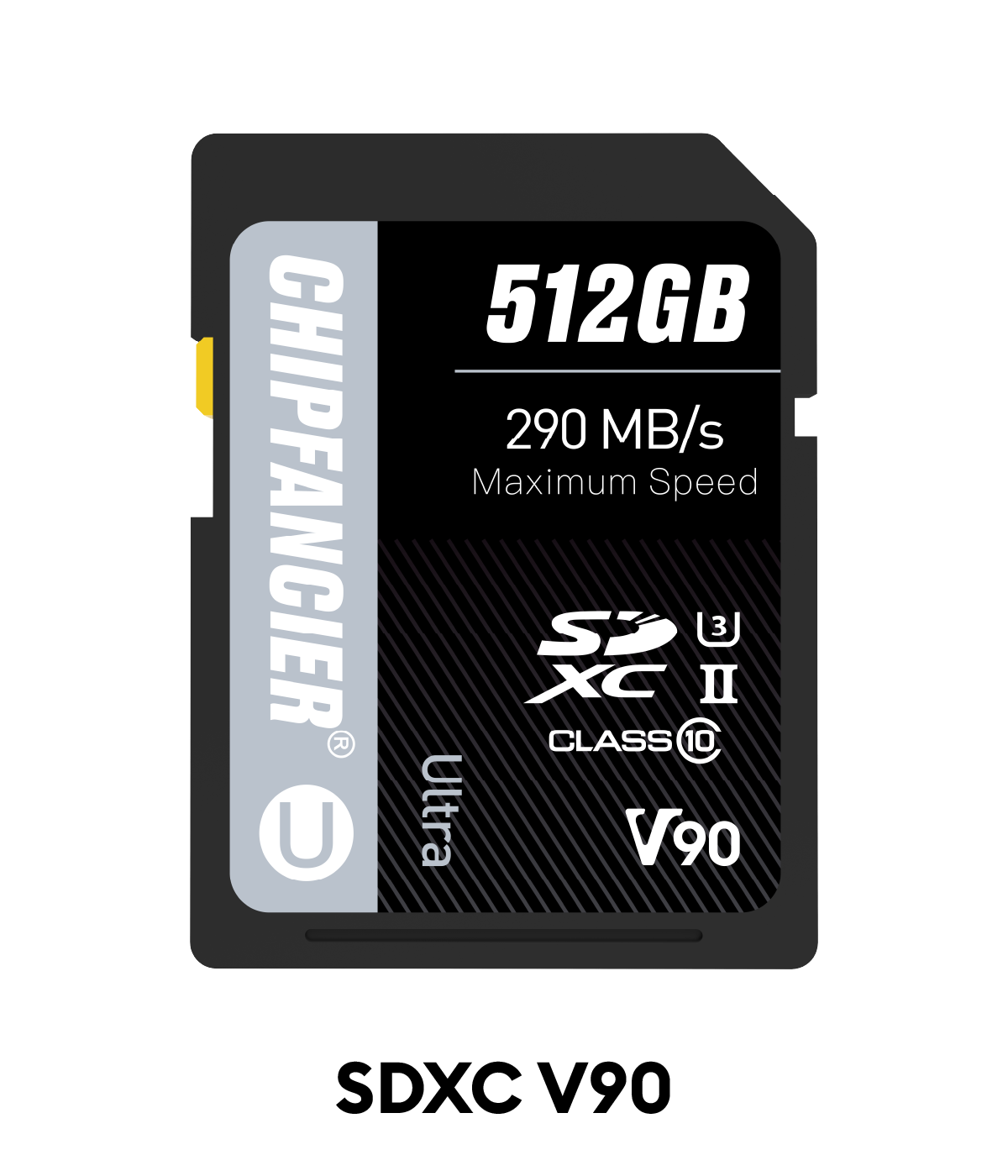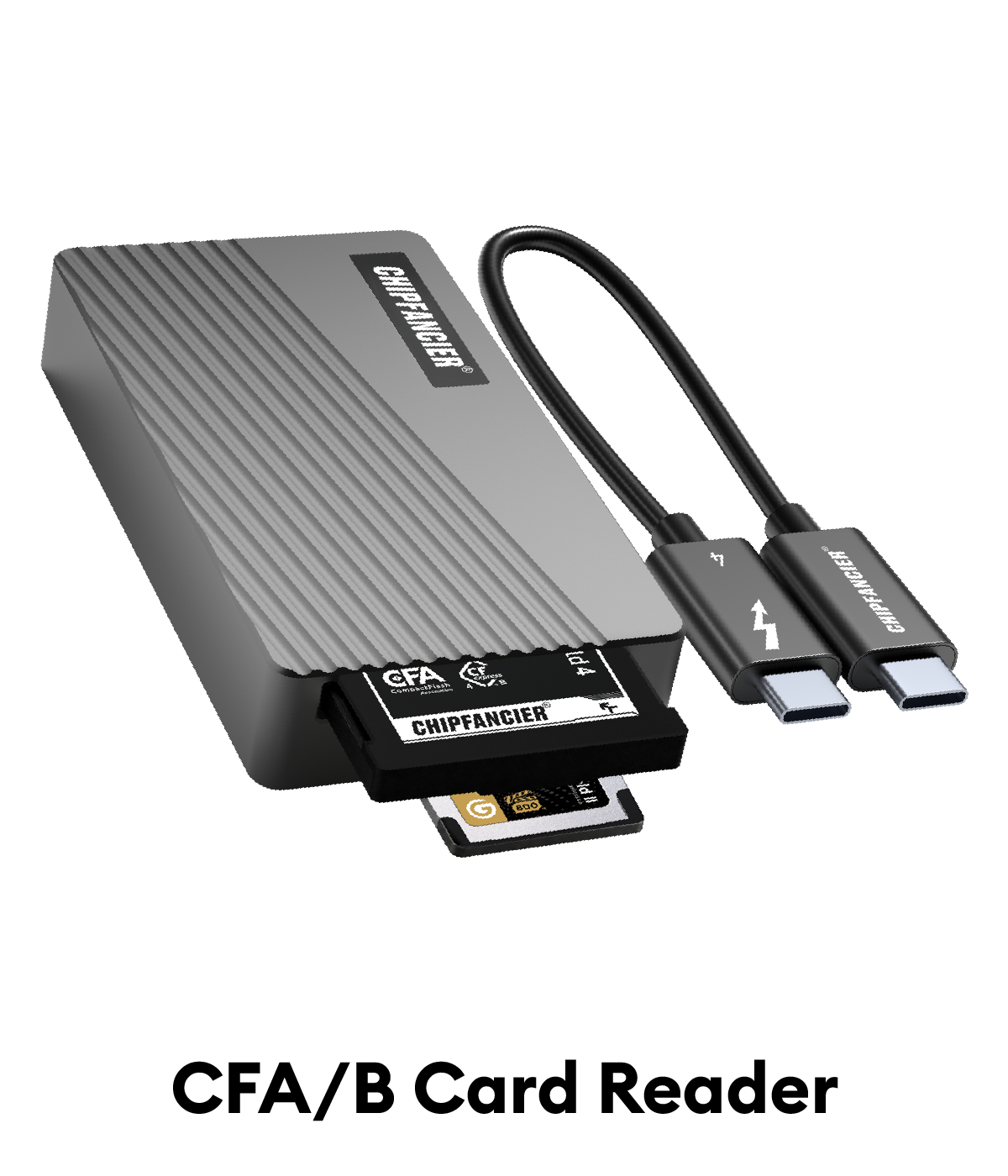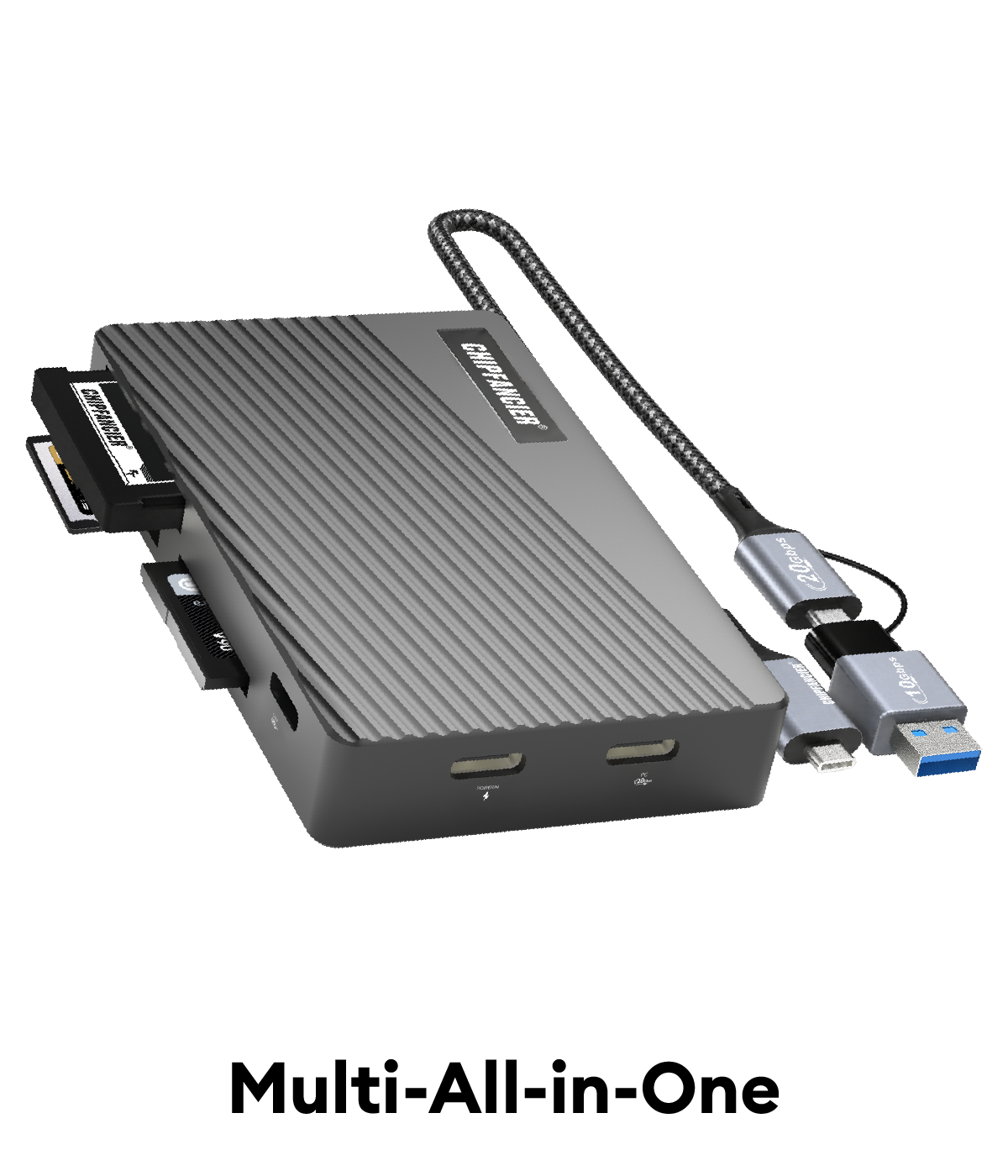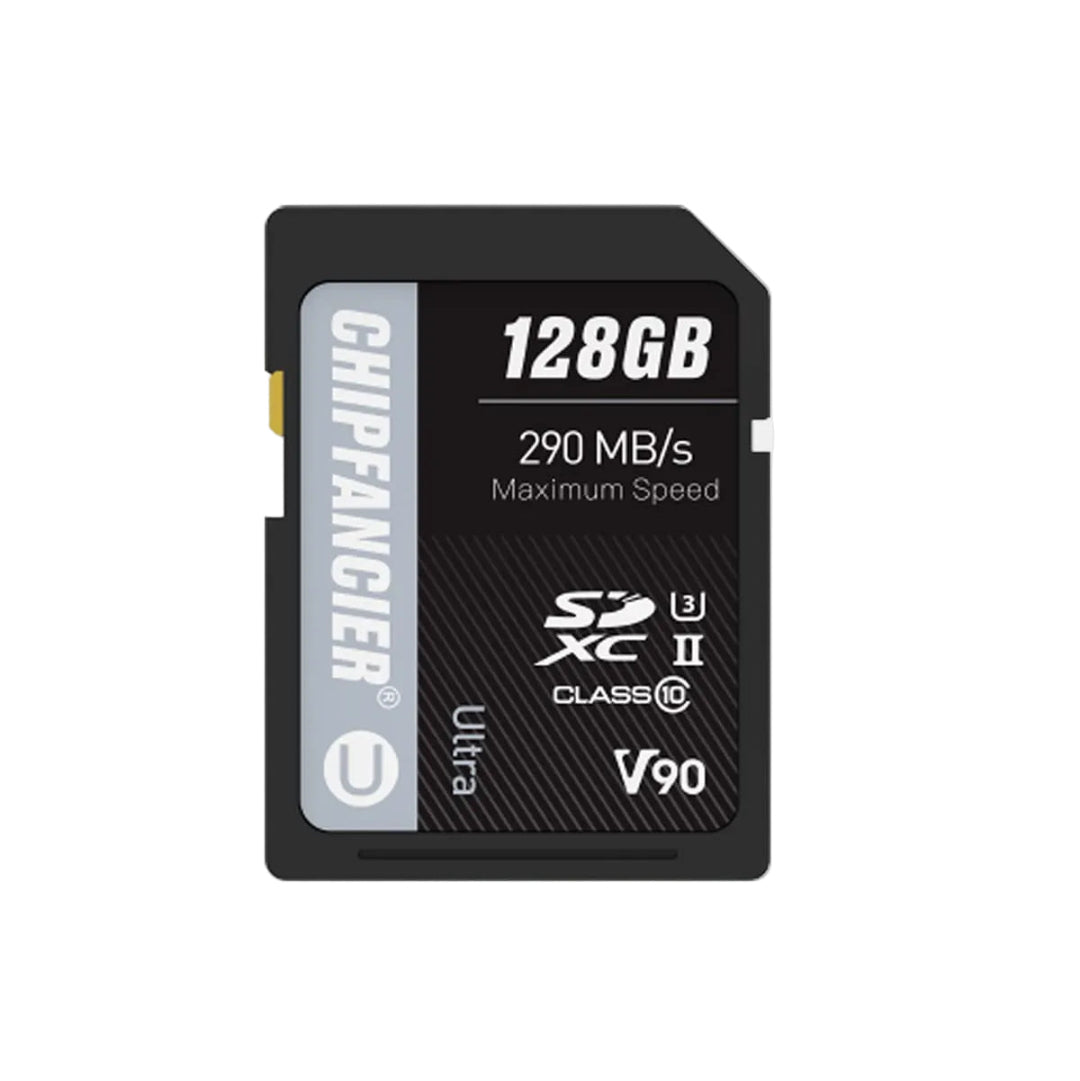
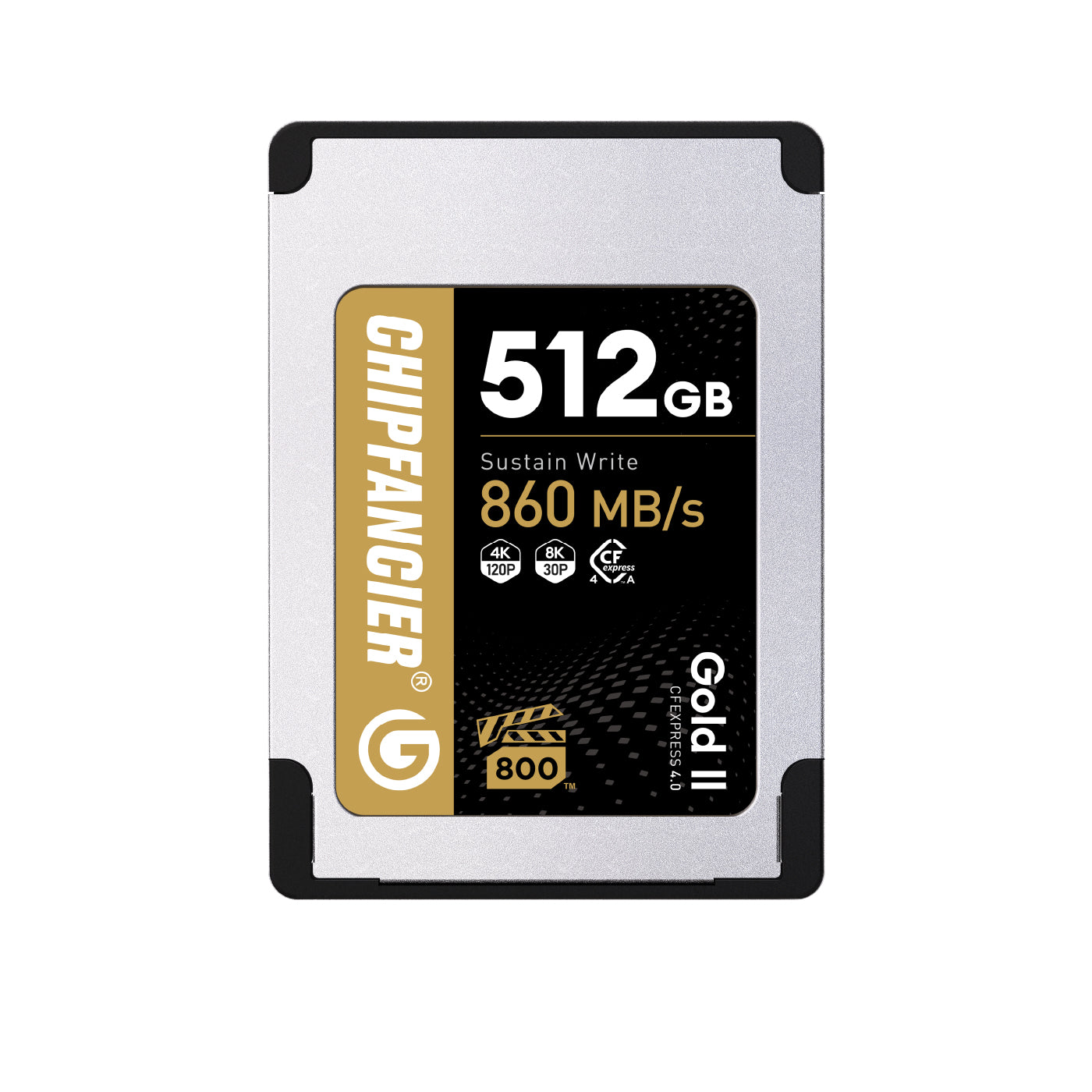
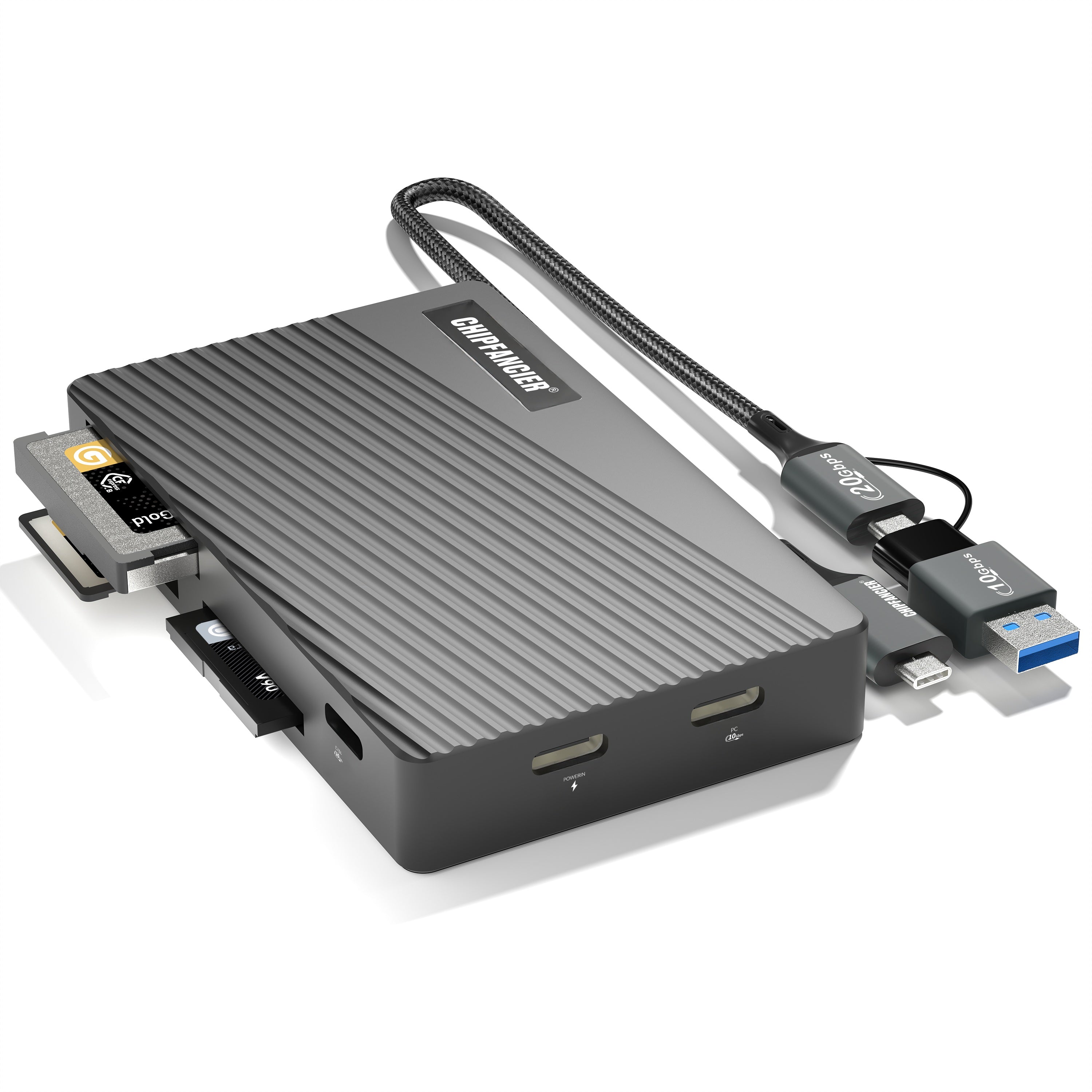
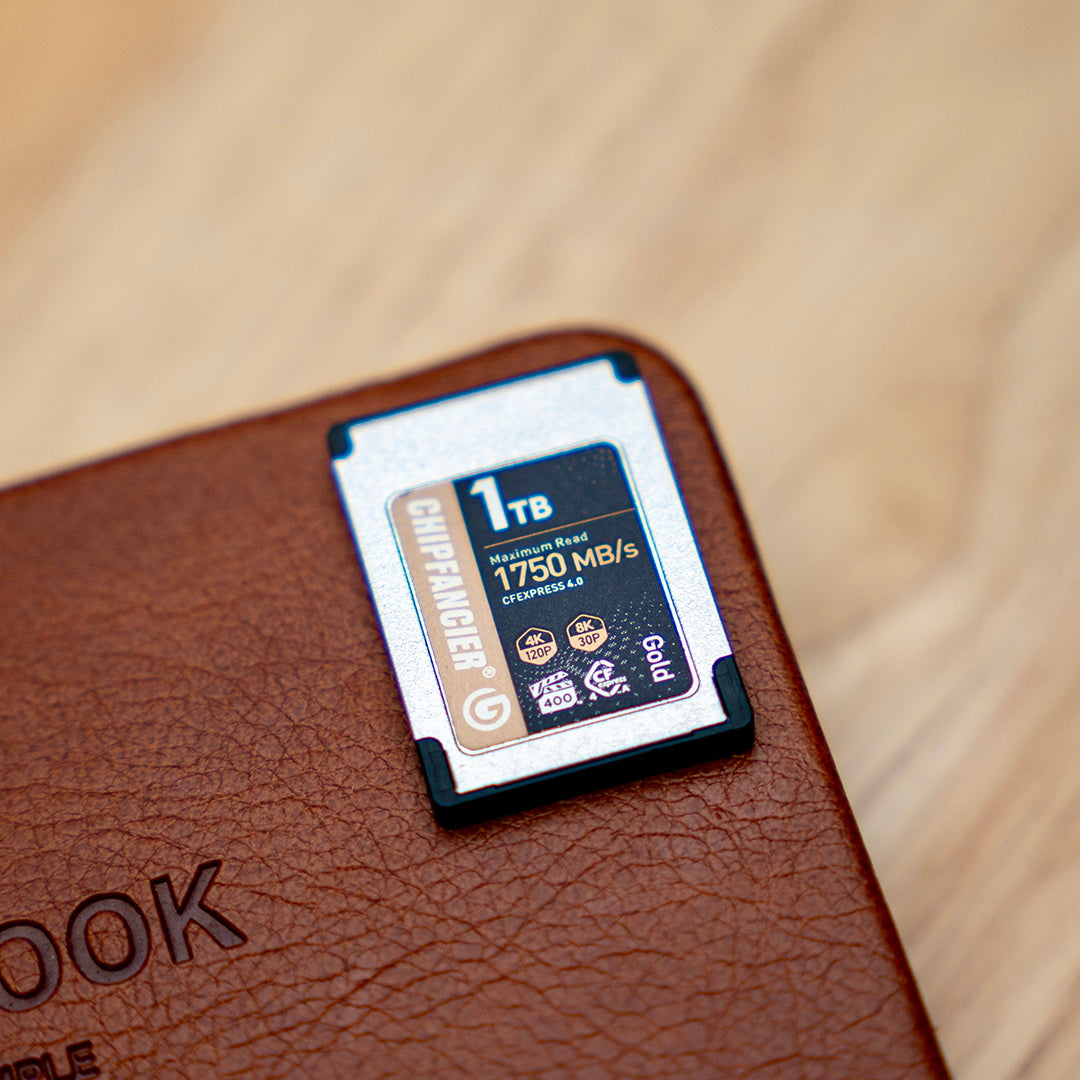
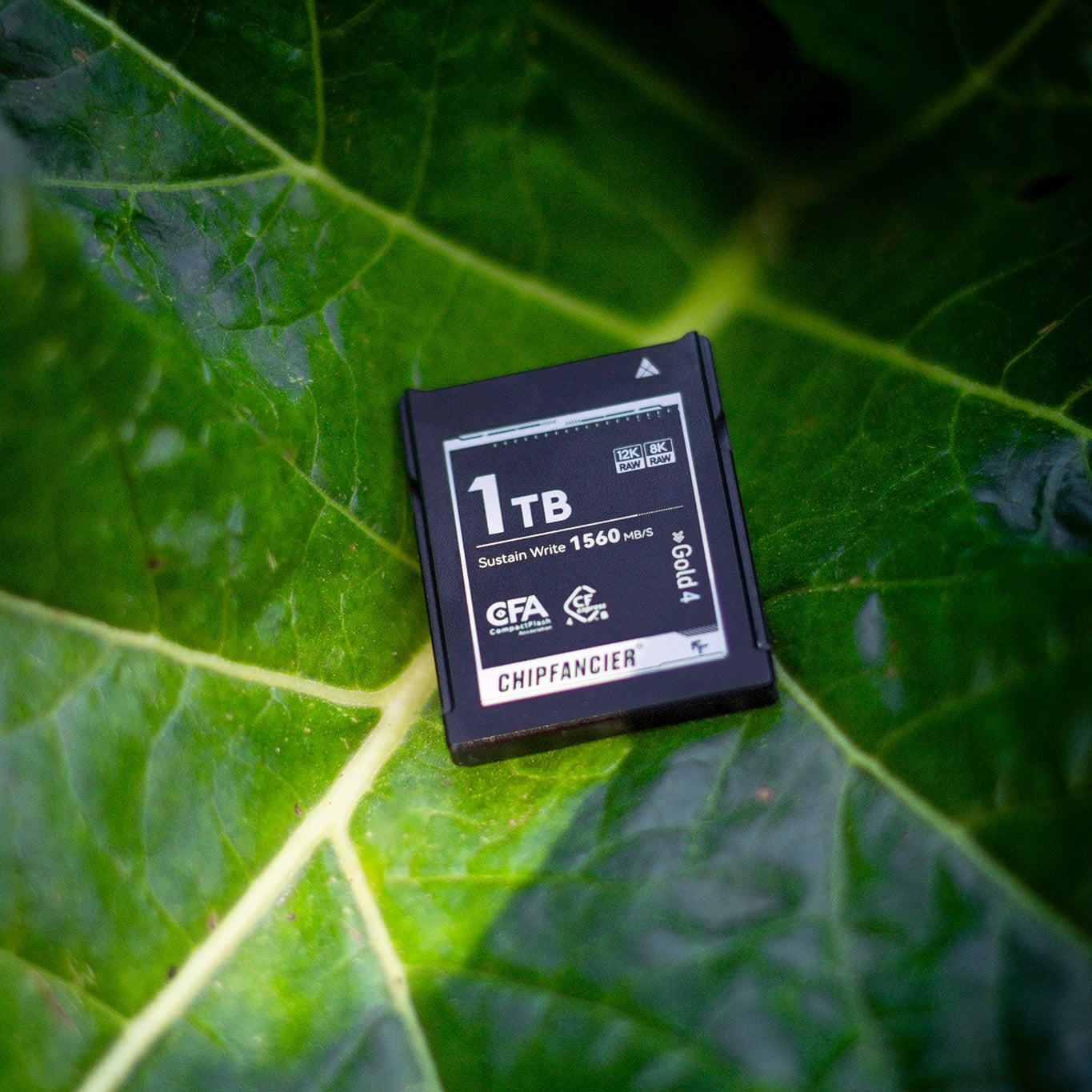
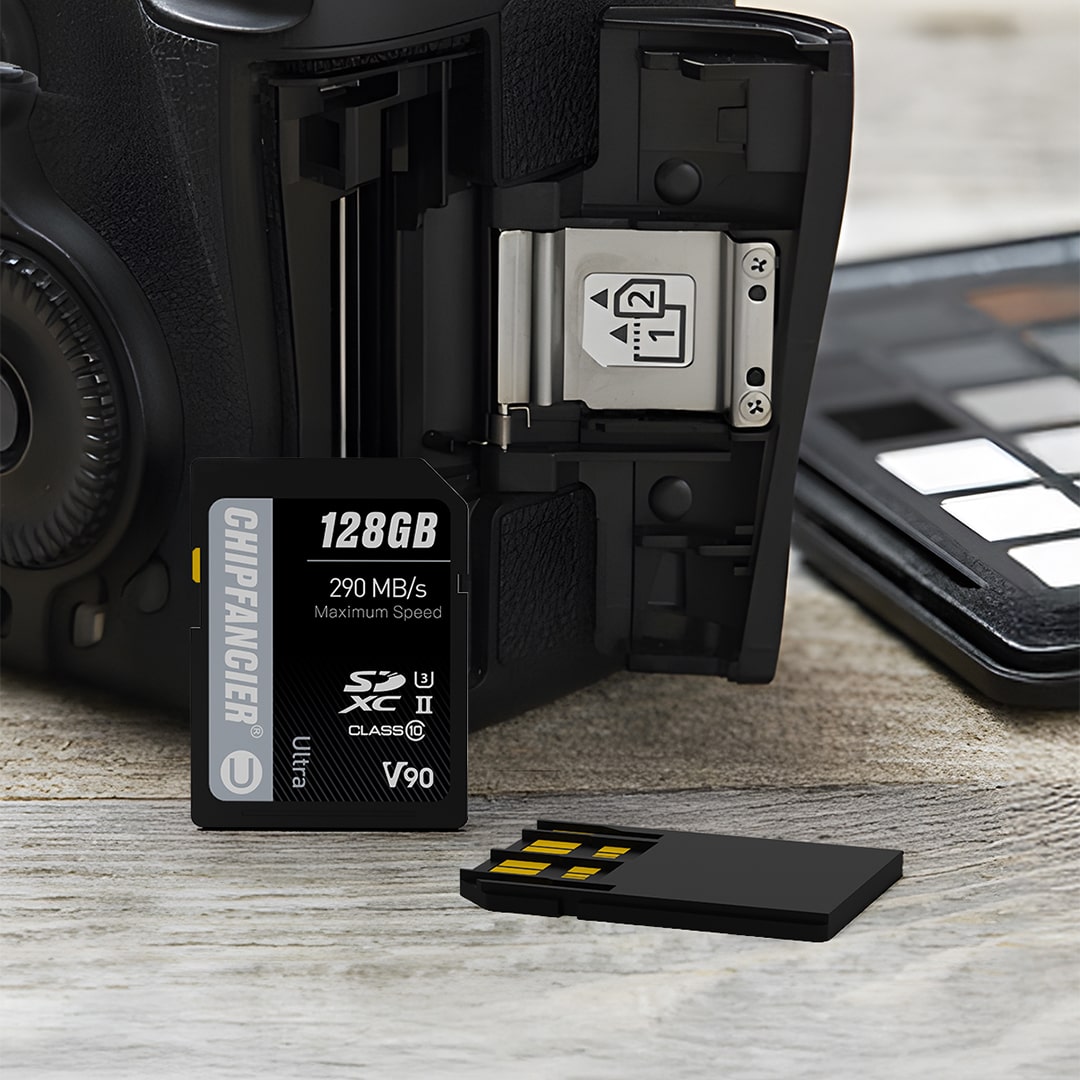



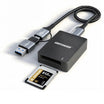
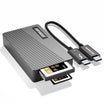


When choosing a professional memory card, it is common to see technical symbols such as CFA 4.0 II, CFB 4.0,or SDXC. These markings may look confusing at first, but they provide essential information about speed, performance, and compatibility. By understanding them, you can be sure to select the right card for your camera and workflow.
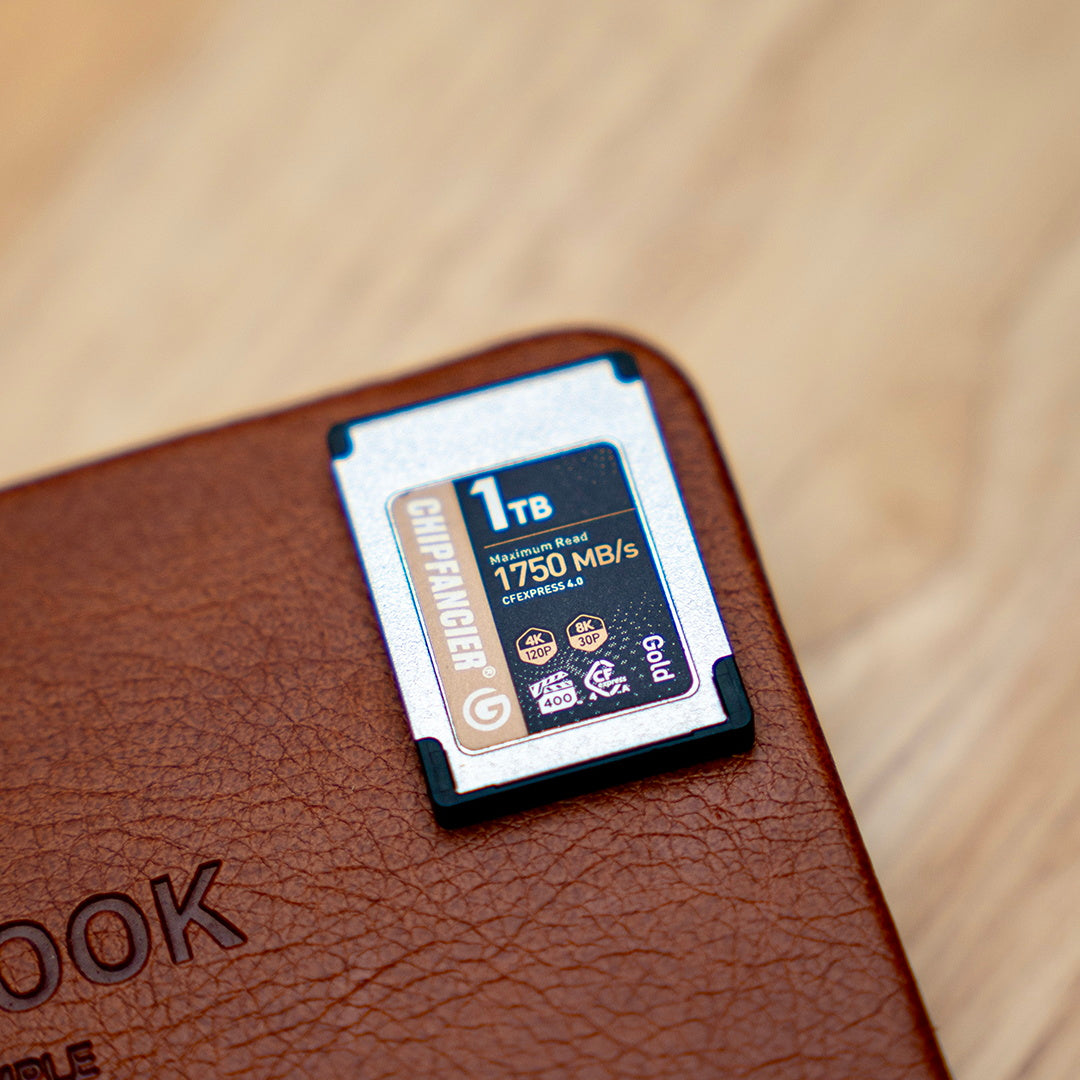
CFexpress Type A and Type B Memory Cards Explained
CFexpress memory cards are the latest high-performance storage standard developed by the CompactFlash Association (CFA). They are designed for professional photography, high-speed burst shooting, and high-bitrate video recording such as 8K RAW video.
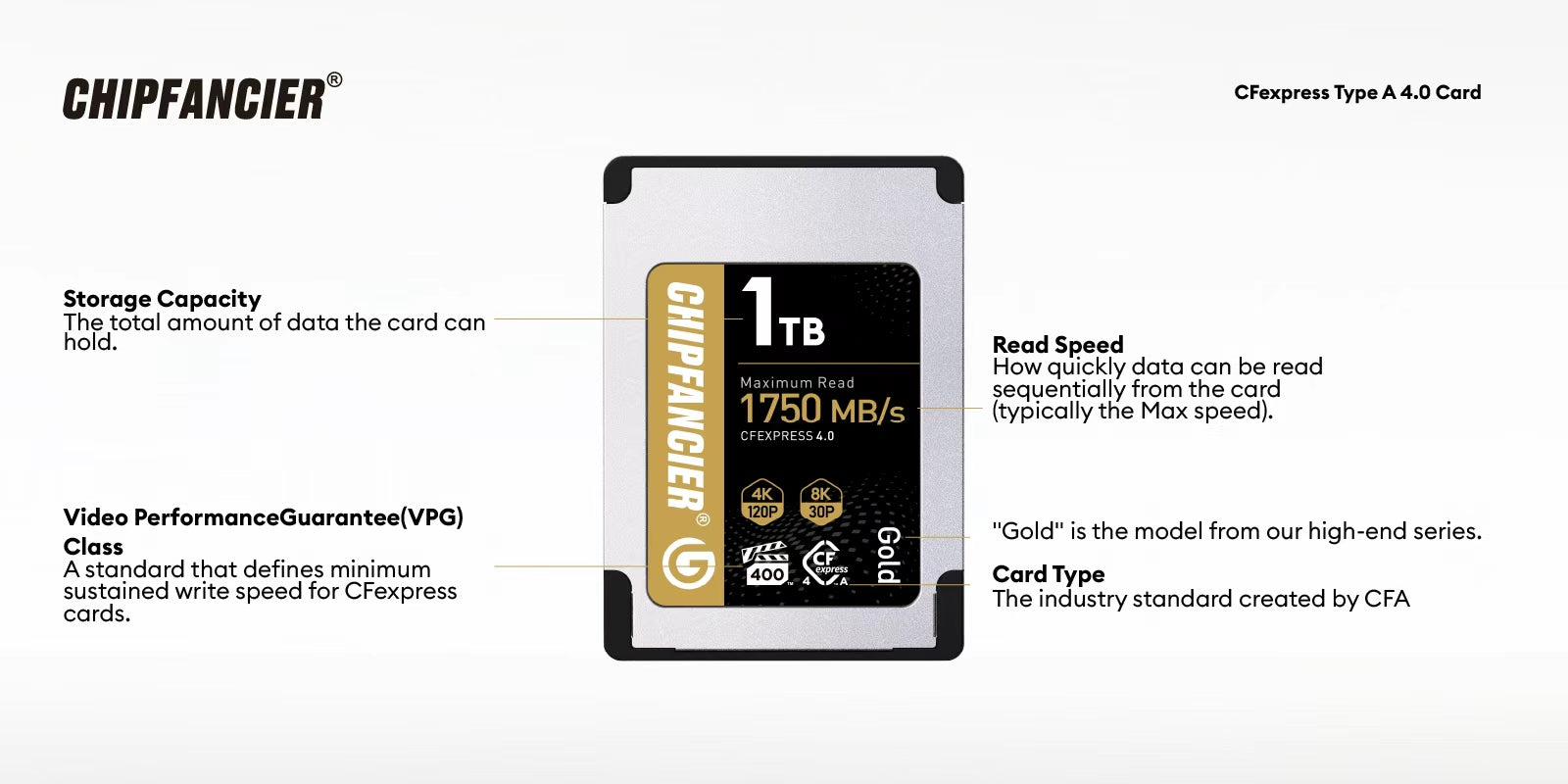
CFexpress Type A (CFA 4.0)
CFexpress Type A cards use a compact form factor and are commonly found in Sony cameras such as the FX3, FX6, and A1 series. They typically use a PCIe Gen4 ×1 interface, delivering high-speed performance while maintaining a small physical size. This makes them ideal for lightweight professional camera systems that still require fast data transfer speeds.
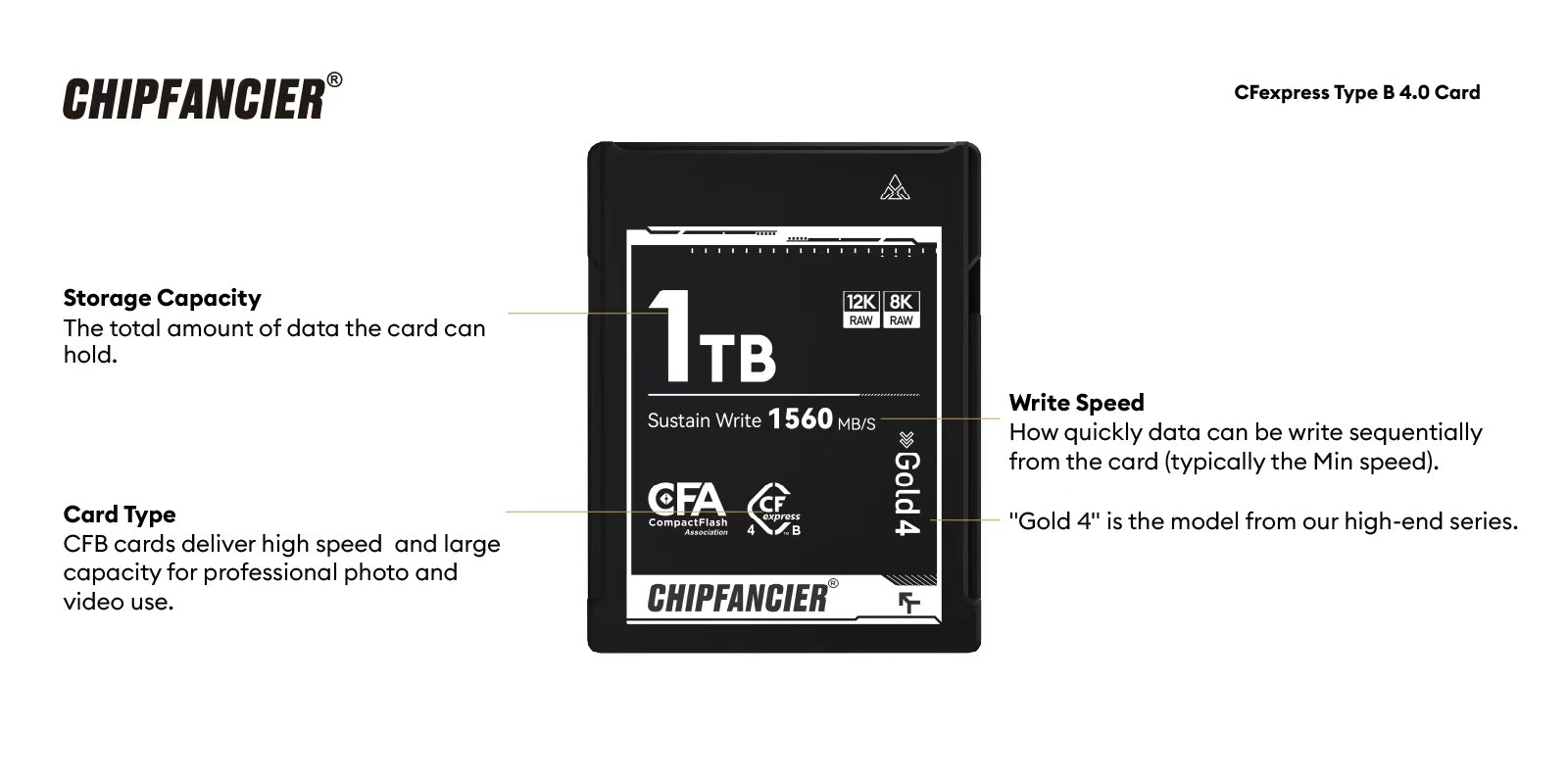
CFexpress Type B (CFB 2.0 / CFB 4.0)
CFexpress Type B cards are larger and widely used in cinema and professional mirrorless cameras such as Canon EOS R5, Nikon Z9, and Sony FX series.
- CFB 2.0 uses PCIe Gen3 ×2 lanes
- CFB 4.0 uses PCIe Gen4 ×2 lanes
The upgraded Gen4 architecture significantly increases bandwidth, making CFexpress Type B 4.0 one of the fastest storage formats available today. It is ideal for 8K RAW video, high-speed continuous shooting, and professional filmmaking workflows.
SDXC V90 Memory Cards and Speed Classes
SD cards remain the most widely used memory card format in the world due to their compatibility and versatility. They are available in SDHC, SDXC, and SDUC formats, supporting a wide range of storage capacities.
Performance is defined by multiple speed classifications:
- Speed Class (C10 and others)
- UHS Speed Class (U1, U3)
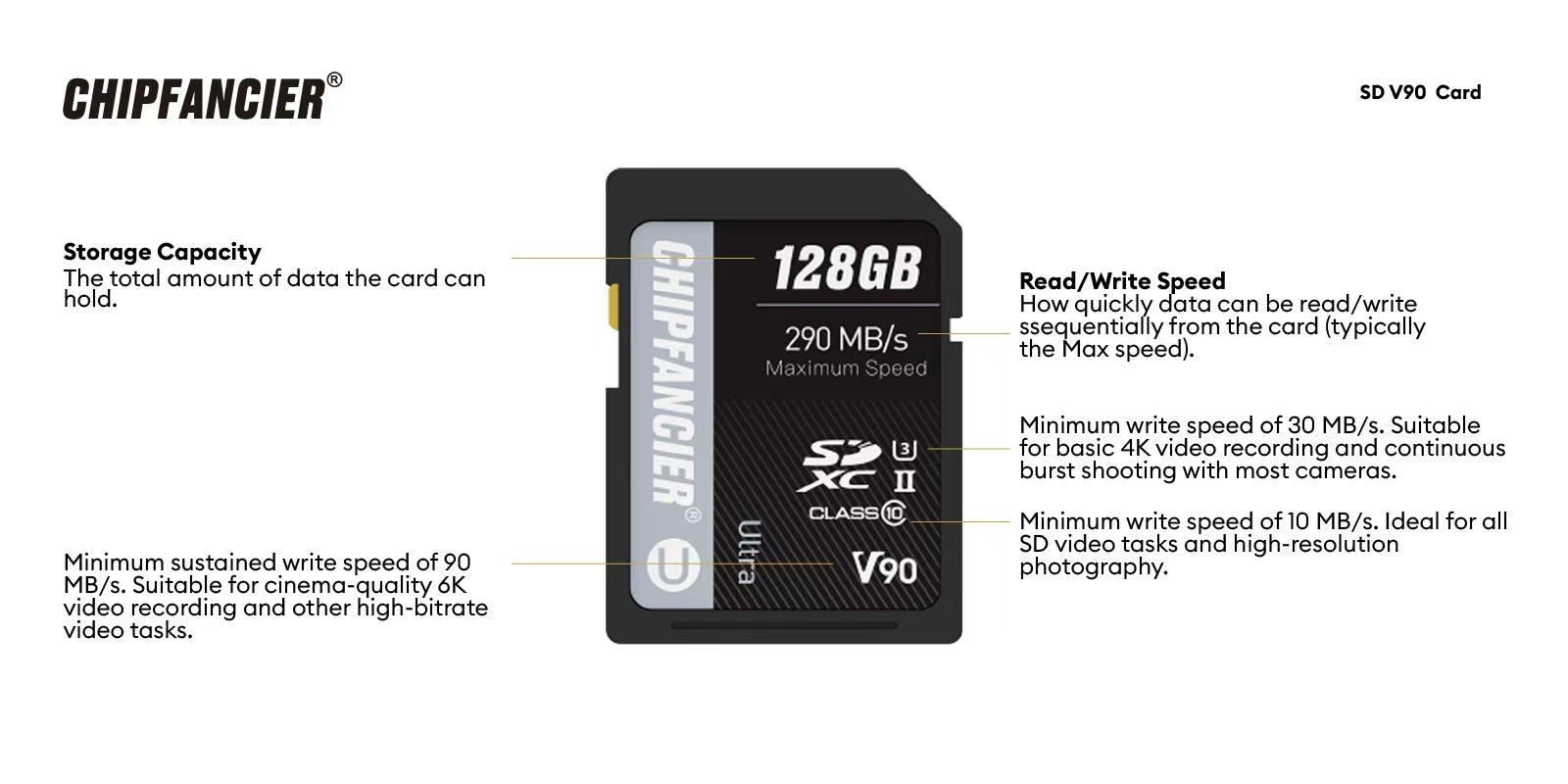
- Video Speed Class (V30, V60, V90)
- Application Performance Class (A1, A2 for app usage)
Among them, SDXC V90 memory cards are the highest performance SD standard, offering a minimum sustained write speed of 90MB/s. They are widely used for 4K video recording, professional photography, and hybrid content creation workflows.
What Are the Gold Fingers on CFexpress Cards
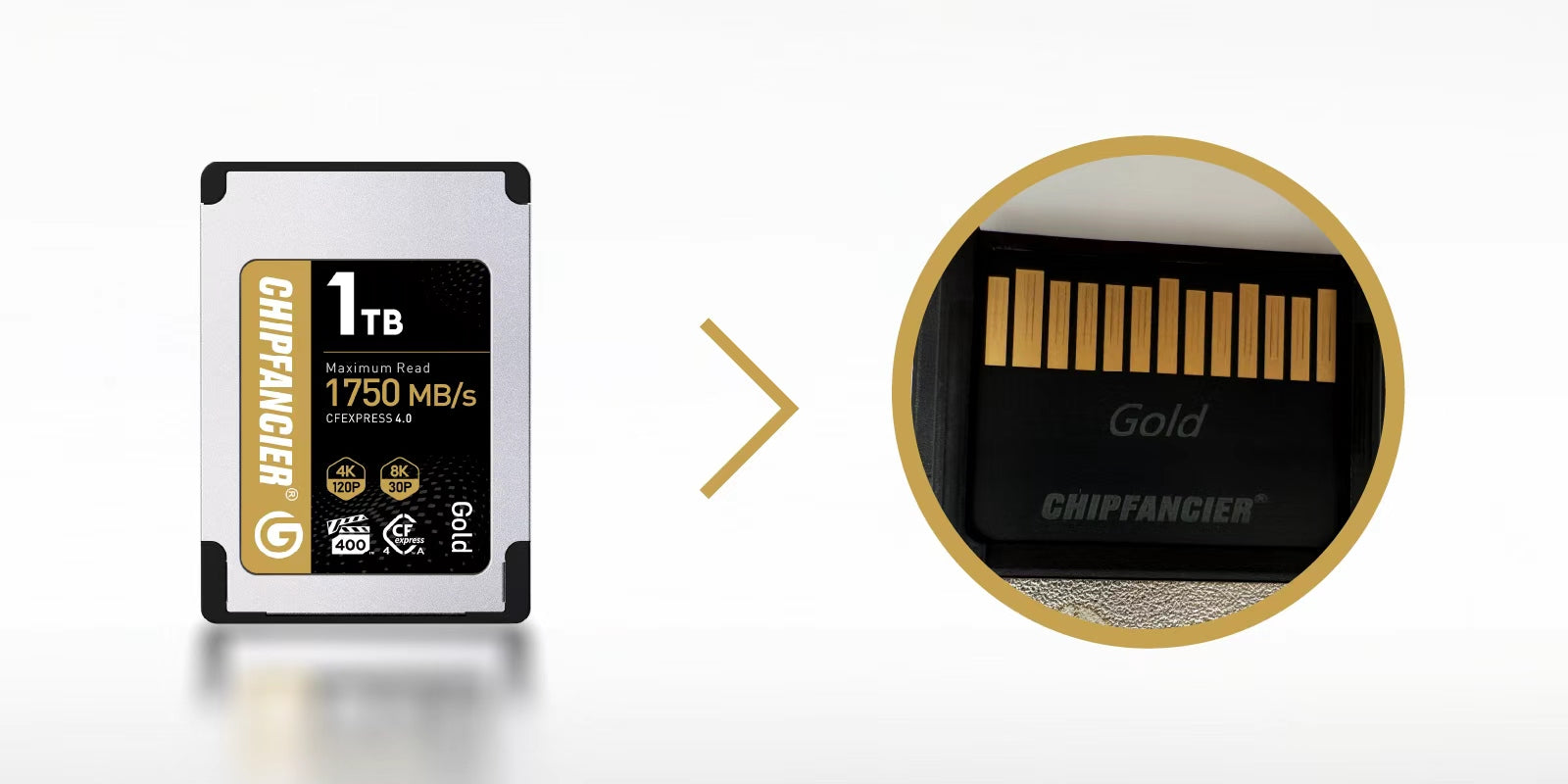
The gold contacts on CFexpress memory cards, often called “gold fingers,” are the key interface that connects the card to a camera or card reader.
Because CFexpress is based on a PCIe architecture, these contacts directly influence both compatibility and performance.
CFexpress Type A Gold Fingers
CFexpress Type A cards use a single-row contact design. This compact structure supports PCIe Gen4 ×1 lanes and is commonly used in Sony cameras such as the FX3 and FX6. It allows high-speed data transfer while maintaining a small form factor suitable for compact professional systems.
CFexpress Type B Gold Fingers
CFexpress Type B cards feature a dual-row contact design with more connection points. This structure supports PCIe Gen4 ×2 lanes, delivering higher bandwidth and stronger sustained performance. It is especially suitable for demanding workflows such as 8K RAW video recording and high-speed continuous shooting.
The gold-plated contacts also improve durability by preventing oxidation and wear, ensuring stable performance even after thousands of insertions and removals.
1. What is the CompactFlash Association (CFA)?
The CompactFlash Association (CFA) is an international standards organization founded in 1995. It is responsible for developing professional memory card formats such as CompactFlash, CFast, and CFexpress.
Its role is to ensure compatibility, performance consistency, and long-term evolution of professional storage standards used in cameras and cinema equipment.
What Do VPG400 and VPG800 Mean
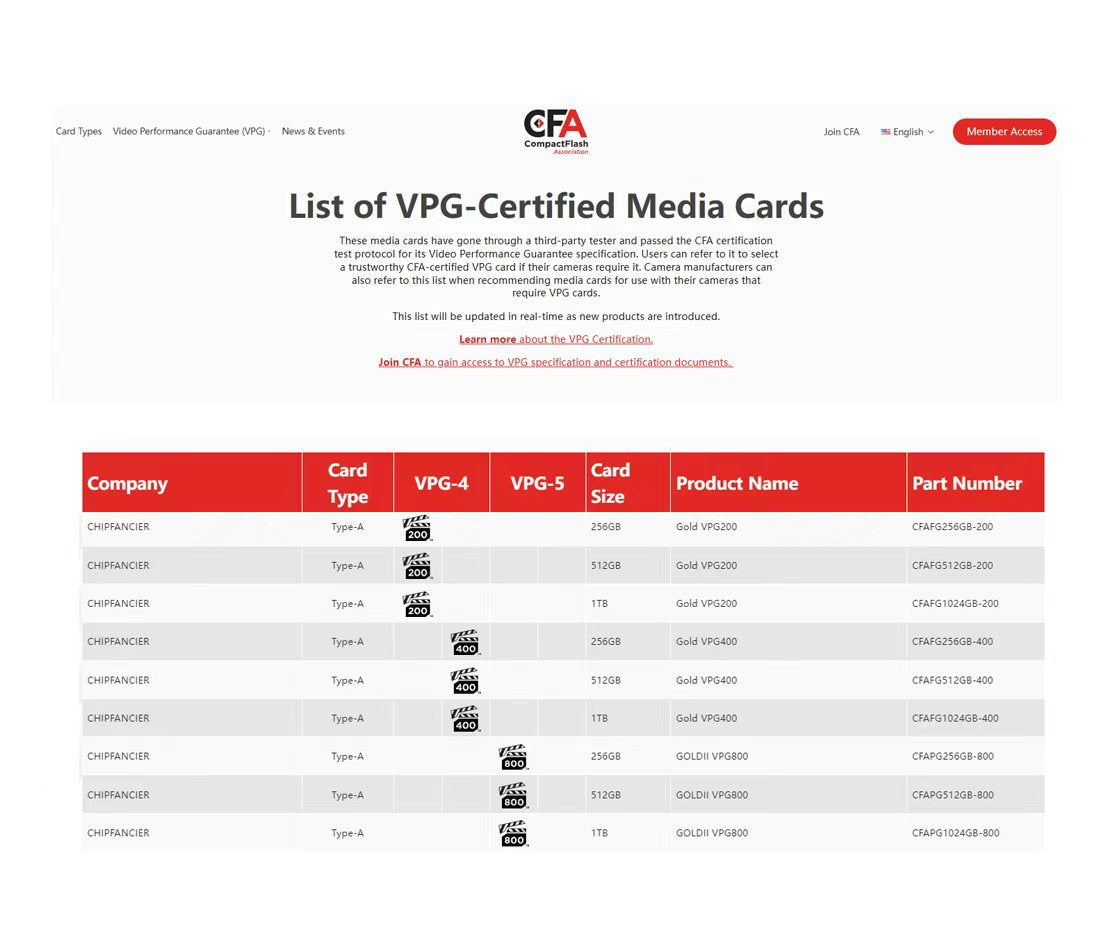
VPG (Video Performance Guarantee) is a certification standard defined by the CompactFlash Association to ensure stable sustained write performance during video recording.
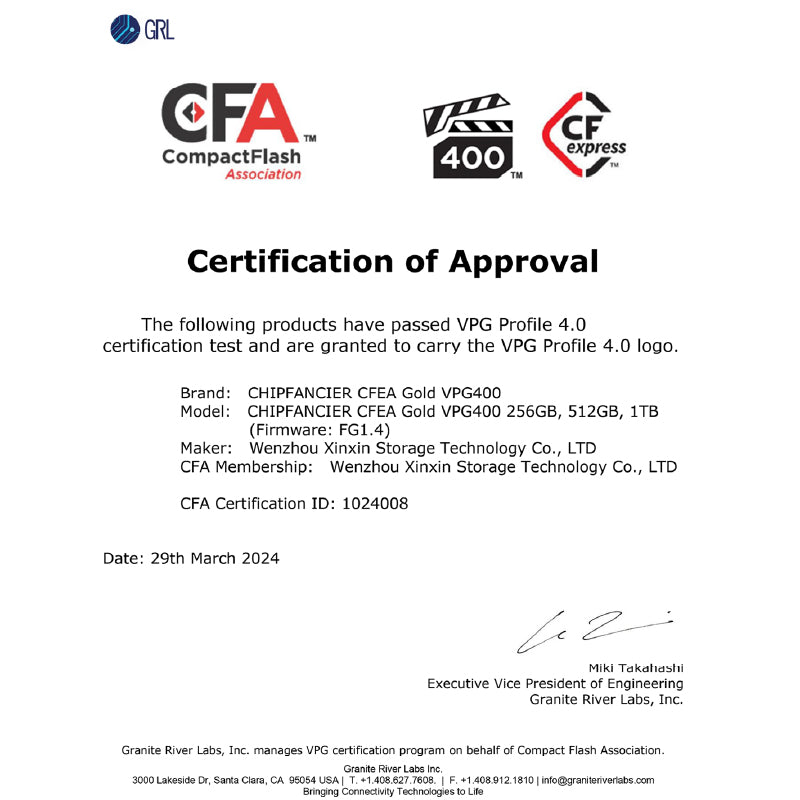
VPG400 indicates that a memory card can maintain a minimum sustained write speed of 400MB/s during video recording. It is designed for high-bitrate 4K video and basic 8K recording scenarios, helping prevent issues such as frame drops, recording interruptions, and buffer overflows, ensuring stable performance in professional shooting environments.
VPG800 is a higher-level certification that guarantees a minimum sustained write speed of 800MB/s. It is designed for more demanding workflows such as 8K RAW video, long-duration high-bitrate recording, and cinema-grade production. Compared to VPG400, VPG800 offers significantly improved sustained performance, better stability under heavy workloads, and lower risk of dropped frames, making it more suitable for professional filmmaking and future high-resolution video standards.
CFexpress Card Evolution
CFexpress memory cards are built on the PCIe high-speed interface standard and continue to evolve to meet the demands of professional imaging workflows, including 4K, 8K, and higher-resolution video production. The CFexpress ecosystem mainly includes Type A and Type B cards, each designed for different performance and camera system requirements.
- CFexpress Type A (Gen 1) is based on PCIe Gen4 ×1 architecture and is commonly used in compact Sony professional cameras such as the A1, FX3, and A7S III. It delivers high-speed performance in a small form factor, making it suitable for lightweight professional setups and standard high-quality video recording.
- CFexpress Type A Gen 2 (A Card Gen 2) improves upon the first generation by focusing on sustained write stability and long-duration high-load performance. In real-world usage, it provides more stable continuous writing during long 4K high-frame-rate recording and high-bitrate video capture, reducing cache fluctuations and minimizing the risk of frame drops for a smoother and more reliable workflow.
- CFexpress Type B 2.0 is based on PCIe Gen3 ×2 architecture and is widely used in professional cinema and mirrorless cameras such as the Canon EOS R5, Nikon Z9, and Sony FX6. It supports high-speed RAW burst photography, 4K recording, and limited 8K workflows, offering a strong balance between speed and stability for professional creators.
- CFexpress Type B 4.0 upgrades to PCIe Gen4 architecture, significantly increasing bandwidth and sustained performance. It delivers improved data throughput, stronger cache handling, faster buffer clearing after continuous shooting, and significantly reduced file transfer times. This makes it ideal for 8K and even higher-resolution RAW video production and heavy professional workloads.
Overall, CFexpress Type A Gen 2 focuses on enhanced stability and long-duration reliability, while CFexpress Type B 4.0 delivers a major leap in performance and workflow efficiency, making CFexpress technology a core storage solution for modern high-resolution and high-frame-rate content creation.
Why Understanding Memory Card Symbols Matters
Learning memory card symbols such as CFA, CFB, SD speed classes, and VPG certification is essential for building a reliable and efficient workflow.
These markings indicate:
- Speed performance
- Camera compatibility
- Recording stability
- Data transfer efficiency
By understanding these symbols, creators can choose the right memory card for their specific needs instead of relying on guesswork. This improves workflow efficiency, reduces downtime, and ensures stable recording performance in demanding shooting environments.
It also helps future-proof your gear as new standards like CFexpress 4.0 and VPG400/800 continue to evolve.
Final Thoughts
Memory card standards such as CFexpress Type A, CFexpress Type B, SDXC V90, and VPG certifications are not just technical details—they directly affect real-world shooting performance.
By understanding these symbols and technologies, photographers and videographers can improve stability, speed, and efficiency across their entire workflow.
Choosing the right memory card means more than just storage—it means unlocking the full potential of your camera system.
You May Also Like