


Memory Card Not Working? Here's What to Do

Memory Card Not Working? Here's What to Do

If your memory card is not working, cannot be recognized, or asks to be formatted, don't panic. A memory card error doesn't always mean your photos and videos are permanently lost, and it doesn't necessarily mean the card is damaged.

In this guide, you'll learn how to handle common memory card problems, from backing up your data and troubleshooting the issue to contacting customer support and preventing future failures.

Back Up Your Data Regularly

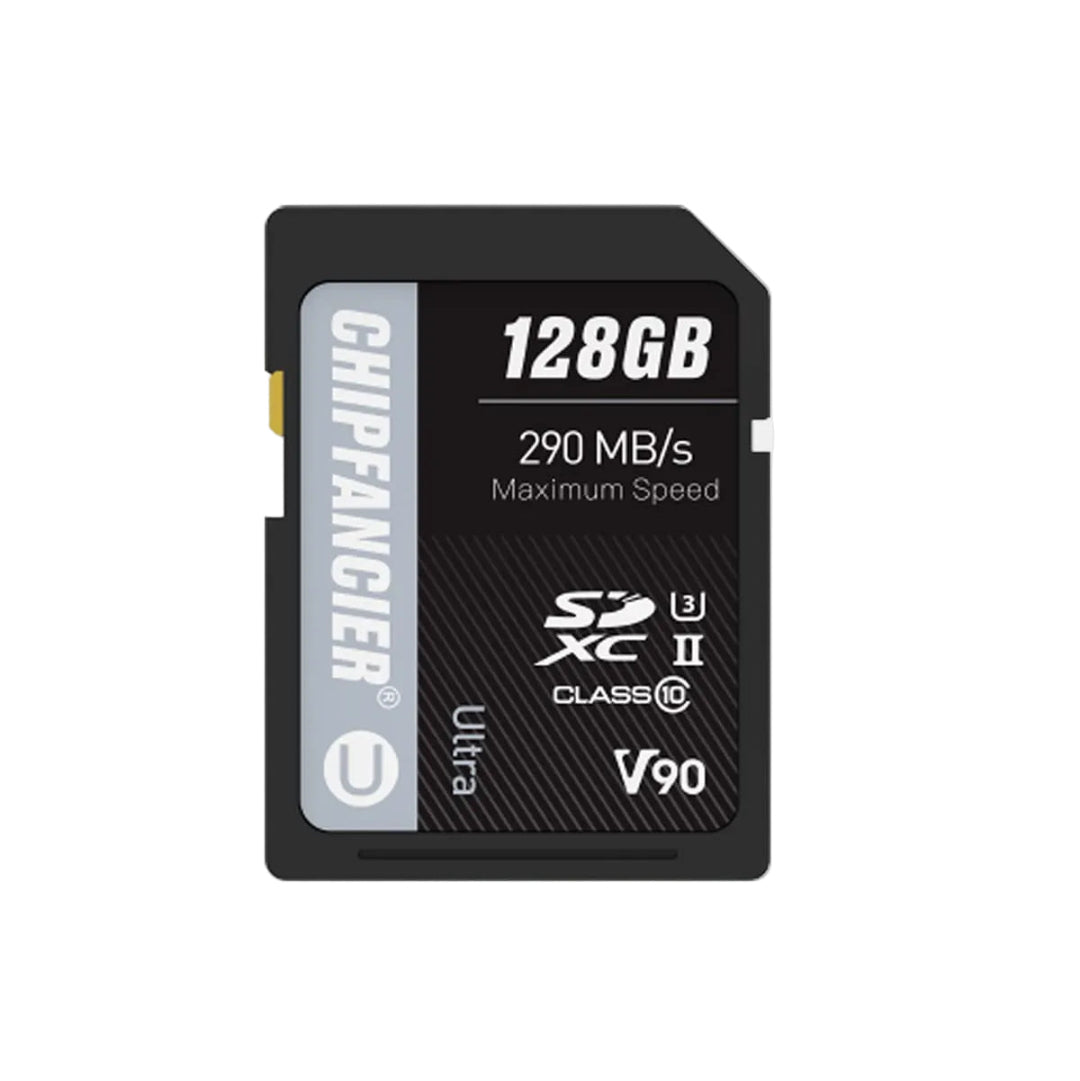
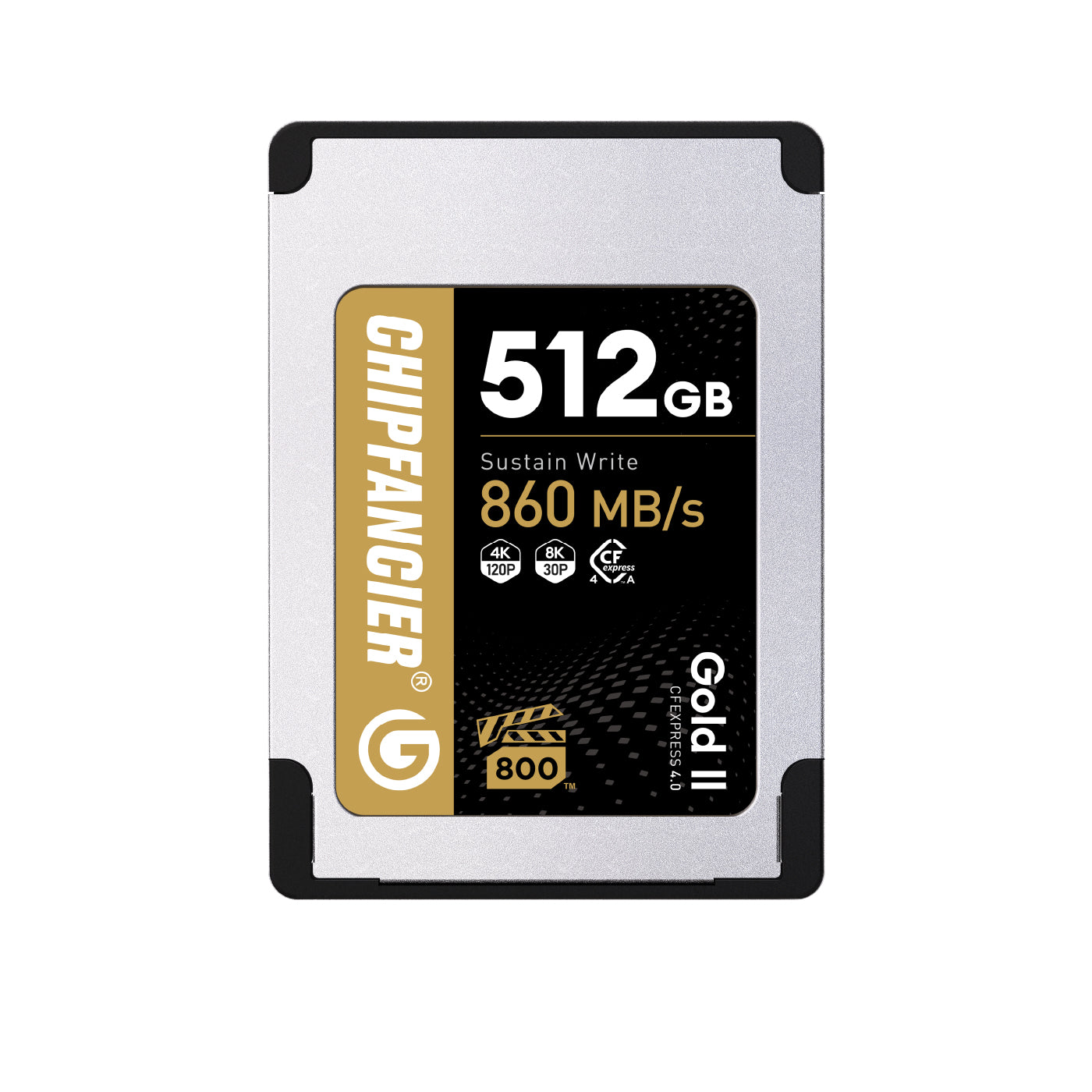
The best way to protect your photos and videos is to back them up regularly. Whether you use an SD card or a CFexpress card, every storage device has a limited lifespan and may eventually develop problems.

To reduce the risk of data loss, back up your files after every shoot, keep at least two copies of important data, and store valuable files on an external drive or cloud storage. A good backup routine is the most effective way to protect your work from unexpected memory card failures.

Check the Card Before Assuming It's Damaged

If your memory card is not recognized or your computer cannot read the memory card, avoid formatting it immediately.

Common signs of a memory card problem include:

  • The camera cannot recognize the memory card.
  • The computer cannot read the card.
  • A message asks you to format the card.
  • Photos or videos cannot be opened.
  • Write speed becomes unusually slow.
  • Video recording stops unexpectedly.

If you experience any of these issues, stop using the card right away to avoid overwriting important data.

Troubleshoot the Problem

Before contacting customer support, perform a few simple checks to rule out problems with other devices.

Check the Memory Card

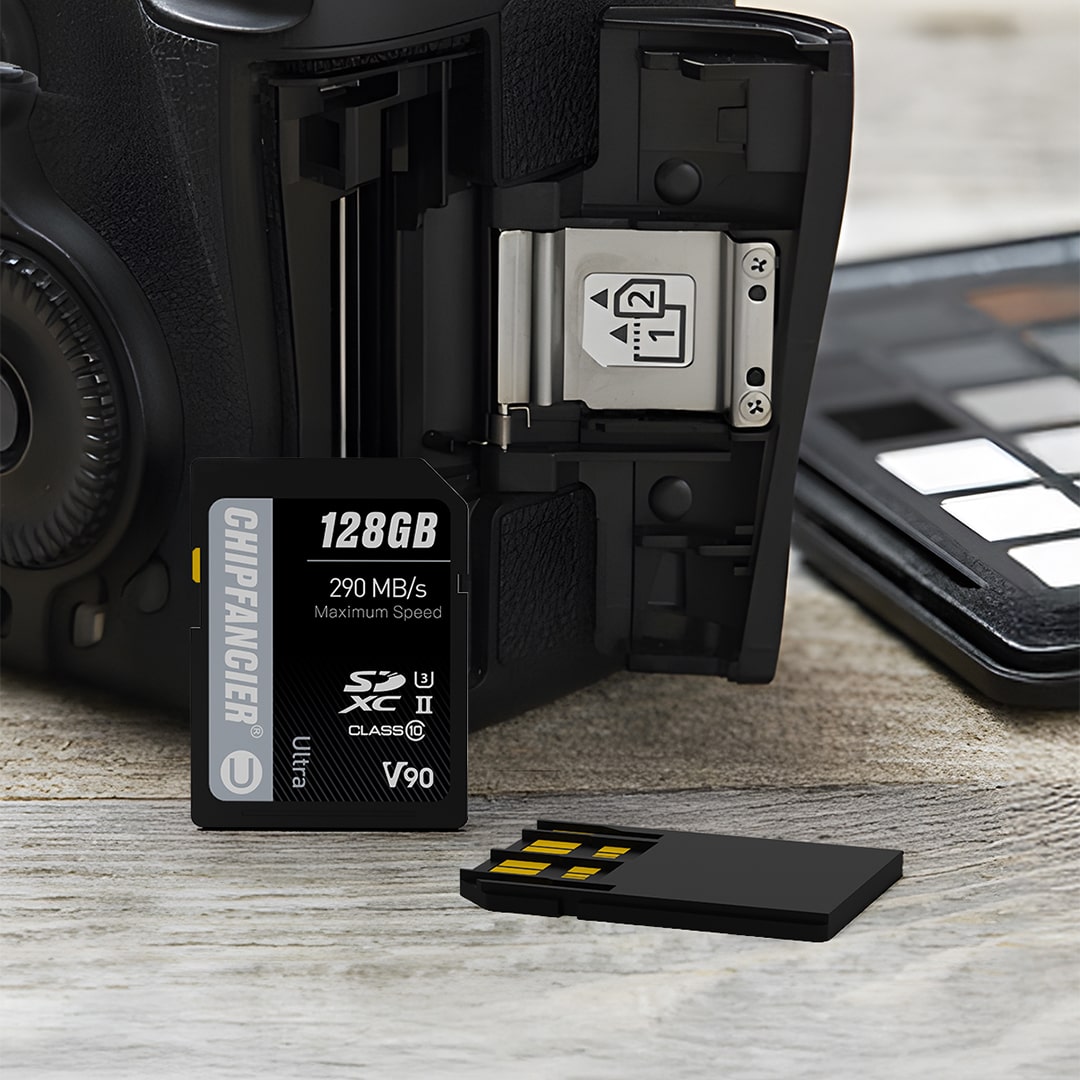
Make sure the card is inserted correctly and inspect the contacts for dust, dirt, or physical damage.

Test Other Devices

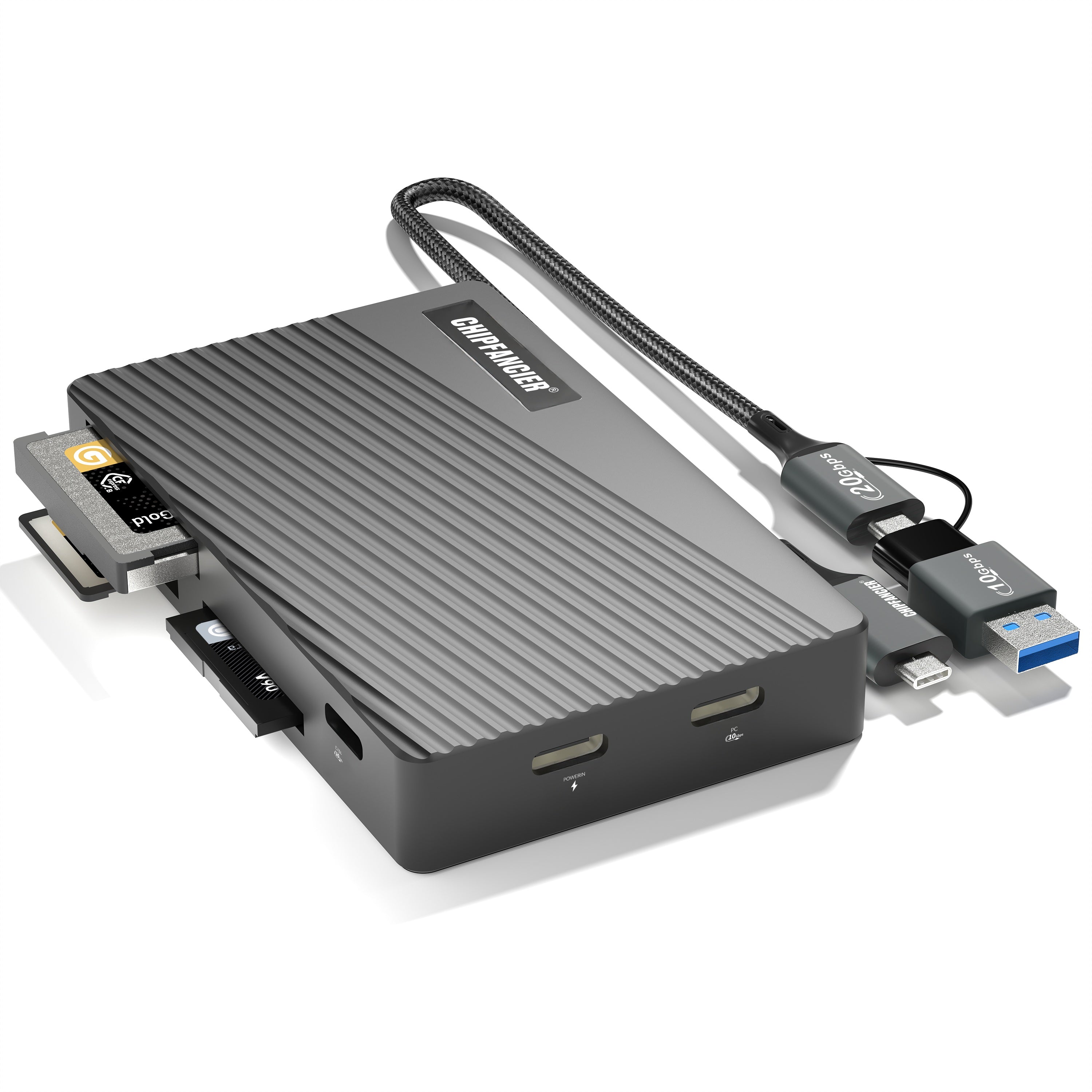
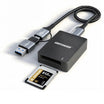
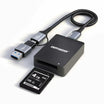
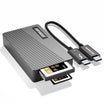
Try the card in another camera, another computer, or a different card reader. You should also test another USB cable and USB port to eliminate connection or compatibility issues.

If the card cannot be detected on multiple devices or continues to show read and write errors, the issue is more likely with the memory card itself.

Contact Customer Support

If the problem remains after completing the basic troubleshooting steps, contact the manufacturer's customer support for professional assistance instead of repeatedly formatting the card or using unknown repair software.

Before contacting support, prepare the following information:

  • Product model
  • Storage capacity
  • Camera, card reader, and computer models
  • Description of the problem
  • Troubleshooting steps you have already completed
  • Photos or videos showing the error, if available

Providing complete information helps the support team identify the issue more quickly and recommend the best solution.

Prevent Future Memory Card Problems

While no memory card can last forever, proper care can significantly reduce the risk of failure.

Always format your memory card in the camera before use, use reliable card readers and high-quality USB cables, avoid extreme temperatures and moisture, insert and remove the card properly, and purchase memory cards from trusted brands and authorized sellers.

Conclusion

If your memory card is not working, don't assume it has failed immediately. The best approach is to back up your data regularly, troubleshoot the problem step by step, rule out issues with your camera or card reader, and contact customer support if necessary.

Good backup habits and proper handling are the most effective ways to prevent data loss and keep your photos and videos safe.